Moving StoresChecked against the product on
Add add-ons to menu items
Add-on groups let customers choose a sauce, extras or a size with an item, with a choice rule and a price for each option, and attach to many items at once.
On this page
Before you start
- A restaurant or café store; Add-ons don't appear in shop stores.
- The Manage add-ons permission to create and edit groups.
An add-on group is a list of choices the customer sees when opening an item, such as “Choose your sauce” or “Pizza extras”. For each group you set how many choices are needed, and for each option the price difference added to the item's price.
Create a group
Step 1: Open Add-ons
From the sidebar, open Catalog › Add-ons, then click Add add-on group.
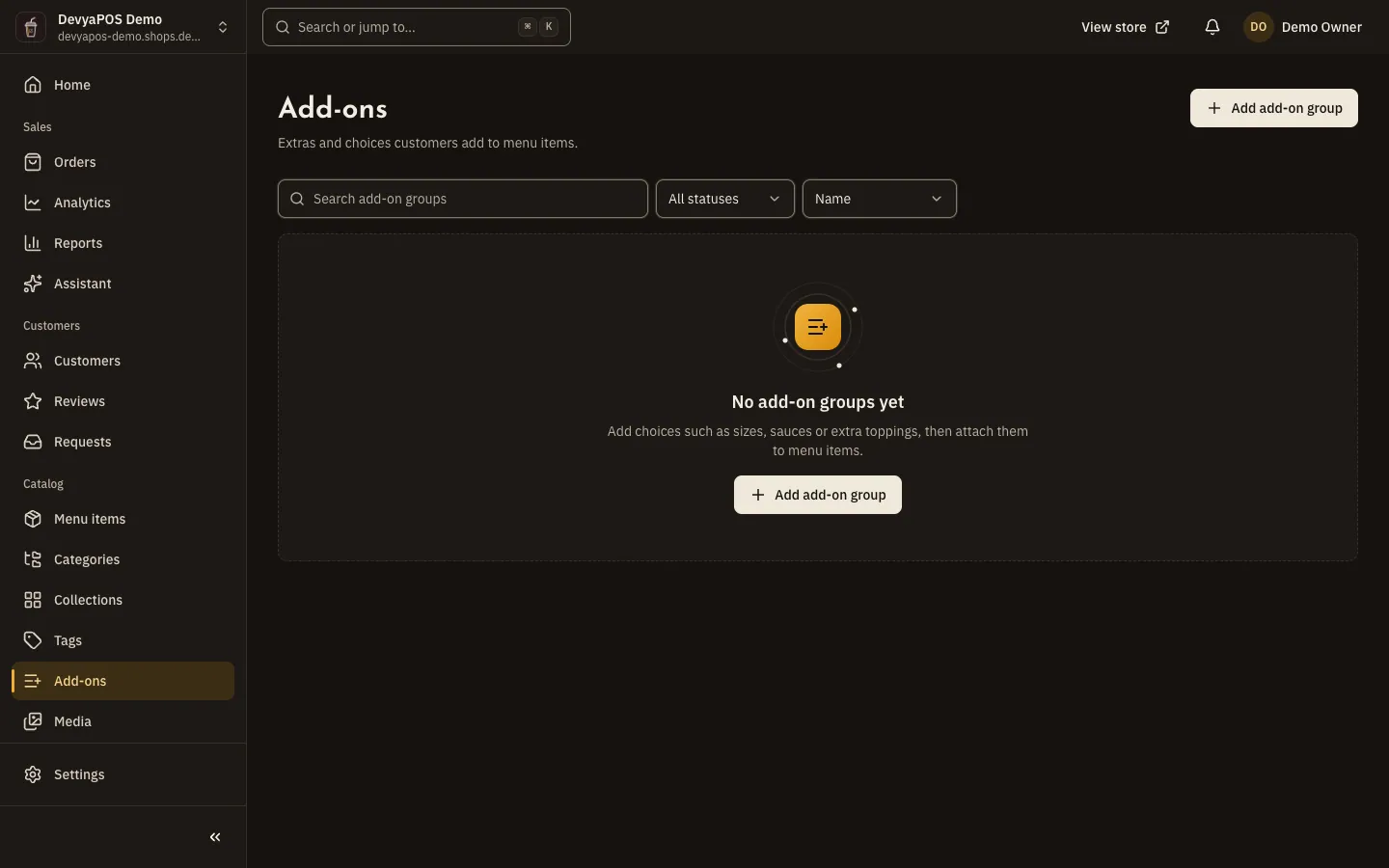
Fig. 1 —The Choice column sums up each group's rule. Step 2: Name the group
Only staff see the Internal name, which helps when two groups share a public name. The Name customers see shows on the item page.
Step 3: Set the choice rule
In Minimum choices, 0 makes the group optional. Leave Maximum choices empty for no limit. Leave On switched on, then click Create.
| Minimum | Maximum | How the rule reads |
|---|---|---|
0 | 3 | Optional · up to 3 |
1 | 1 | Required · choose 1 |
1 | 3 | Required · choose 1 to 3 |
Add options
Step 1: Add an option
On the group page, click Add option and enter the Name and Price change. The difference is added to the item's price; zero shows as Free, and a negative value is a discount.
Step 2: Pick the default and save
Turn on Selected by default so the option is pre-selected when a customer opens the item, then click Save. You can make an option Unavailable when it runs out, without deleting it.
Attach the group to items
- From the group page, click Attach to items, pick the items and confirm.
- Or from the item editor: in the Organization card › Add-on groups, click Add an add-on group, and order the groups the way customers should see them.
- In the same card, enter the Preparation time in minutes, or leave it empty to use the branch's preparation time.
Should sizes be add-ons or options?
Either works. An add-on group adds a price difference and can be shared across many items, while options and variants give each size its own price and stock.
How many options can a group hold?
Up to 100 options, maximum choices go up to 50, and one item can carry up to 20 groups.
What happens to past orders if I remove an option?
Customers can no longer pick it, and past orders keep their copy.
Can I delete a group that is in use?
Yes. The delete dialog asks for Detach and delete, which detaches the group from its items and then deletes it.