Moving StoresChecked against the product on
Cancel an order or refund a payment
Reject a new order or cancel one before it ships, refund the customer in full or in part, and follow manual refunds until they are paid out.
On this page
Before you start
- The Cancel or reject orders permission to cancel, and Issue refunds to refund.
Cancelling stops the whole order; a refund returns money on an order that stands. Refunds for returned items are issued from the return's page, not the order's.
Cancel or reject the order
Step 1: Choose the action
On the order page, click Reject order if it is New, or Cancel order once it has been accepted. The button may sit under More actions.
Step 2: Choose the reason
Pick the Reason: Customer request, Out of stock, Suspected fraud, Store unavailable, Payment failed, or Other with a required note.
Step 3: Pay back what was paid
If the customer has paid, the dialog shows a refund section: choose the Refund method, tick Already paid back if you returned the money by hand, and add a Refund note.
Step 4: Confirm
Confirm the cancellation, or click Keep order to back out. Reserved stock is released and the coupon, if any, can be used again.
An order can be cancelled until it goes out for shipping or delivery: while it is Awaiting payment or New, or Accepted with fulfilment no further than Ready. After that, use Delivery failed or returns.
Refund an amount
Step 1: Click Refund
On the order page, click Refund; the button appears while the order has an amount left to refund.
Step 2: Set the amount and method
Enter the Amount, in full or in part up to the limit shown, and choose the Refund method: Original payment for orders paid online, or Cash, Bank transfer or Manual.
Step 3: Give the reason and confirm
Pick the Reason: Goodwill, Price adjustment or Other. For manual methods, tick Already paid back and enter the Payout reference if you have paid it out, then confirm.
Follow your refunds
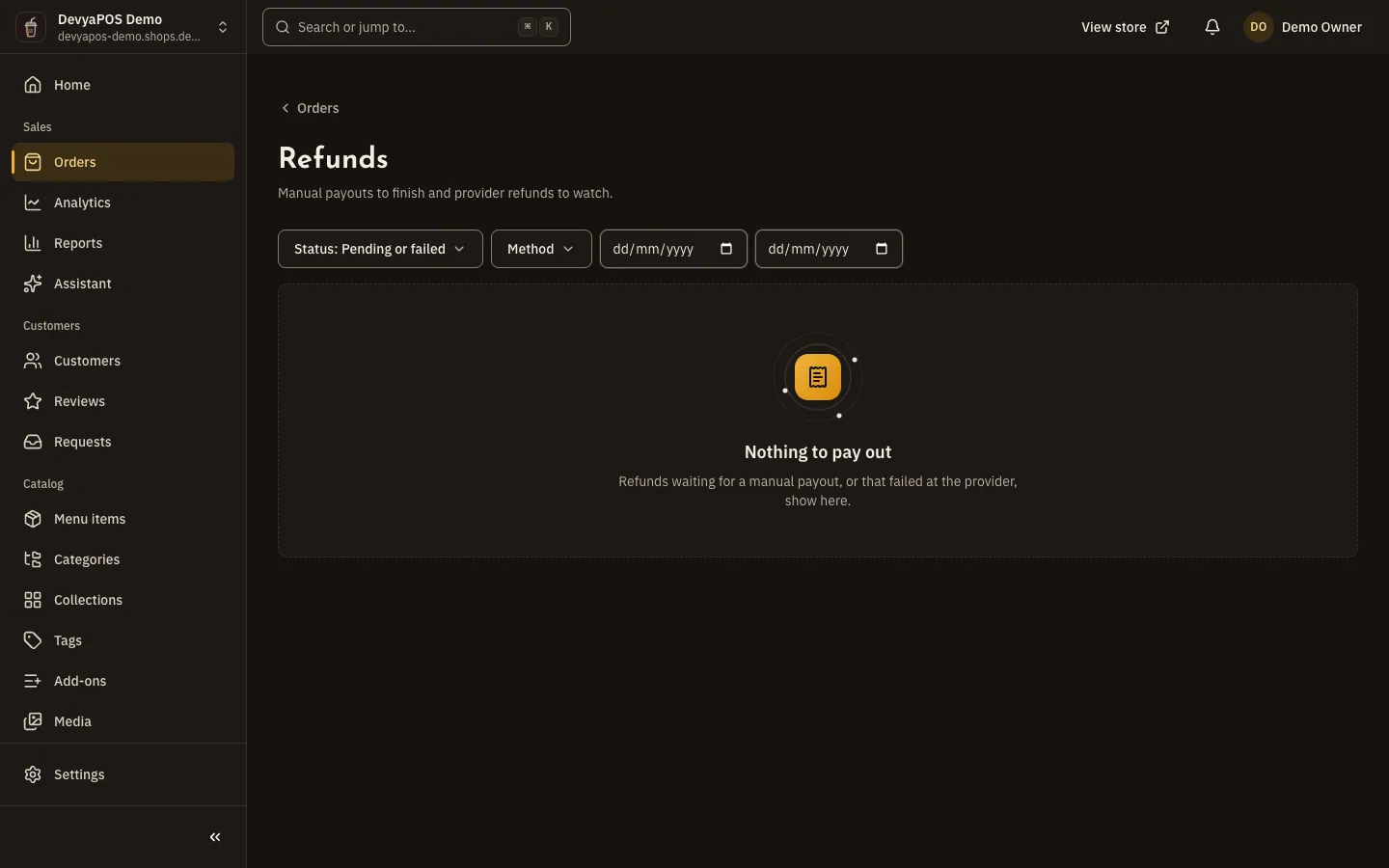
Click Refunds at the top of the order list. By default the page shows refunds that are Pending or failed: a manual refund not yet paid out stays Pending until you click Confirm paid out or Cancel refund, and a refund that failed at the payment provider can be sent again with Retry.
Can I refund part of the amount?
Yes, any amount up to what is left to refund, and the payment becomes Partially refunded.
Can a customer cancel their own order?
Yes, from their order page, while the order is Awaiting payment or New and, in linked restaurants, not yet sent to the till.
Why can't I cancel an order in a restaurant linked to the till?
When Drinki POS has the order, or it is on its way there, the dashboard may refuse to cancel it; cancel it on the till.