Moving StoresChecked against the product on
Manage your account and password
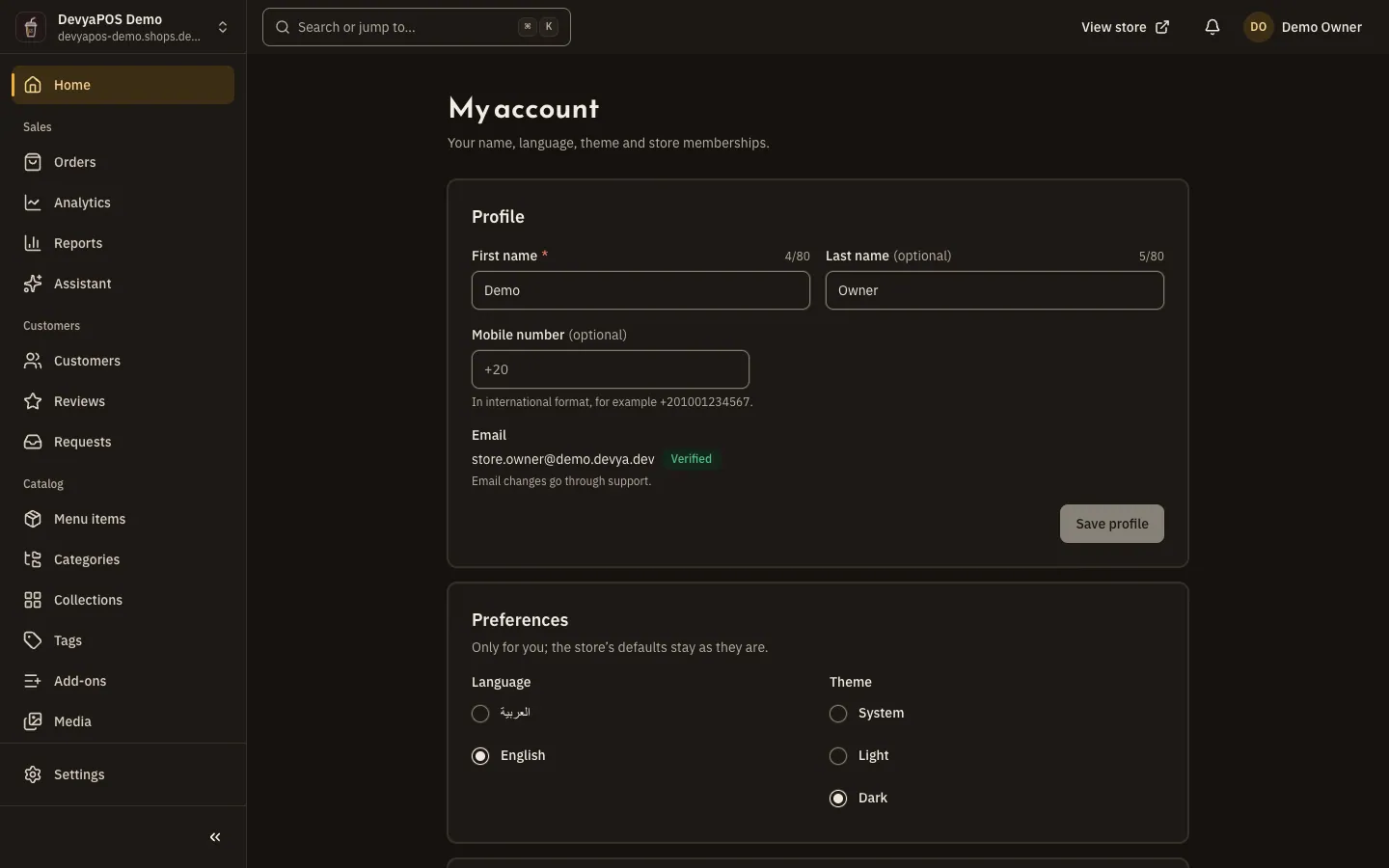
In My account you edit your name, mobile number, language and theme; in Security you change your password and sign out other devices. This is also what to do if you forget your password.
On this page
You have one account for all your stores. Open it from the account menu at the top of the dashboard: My account for your profile and preferences, Security for your password and devices.
Sign in
Step 1: Open the sign-in page
Go to the sign-in page, type your Email and Password, then click Sign in.
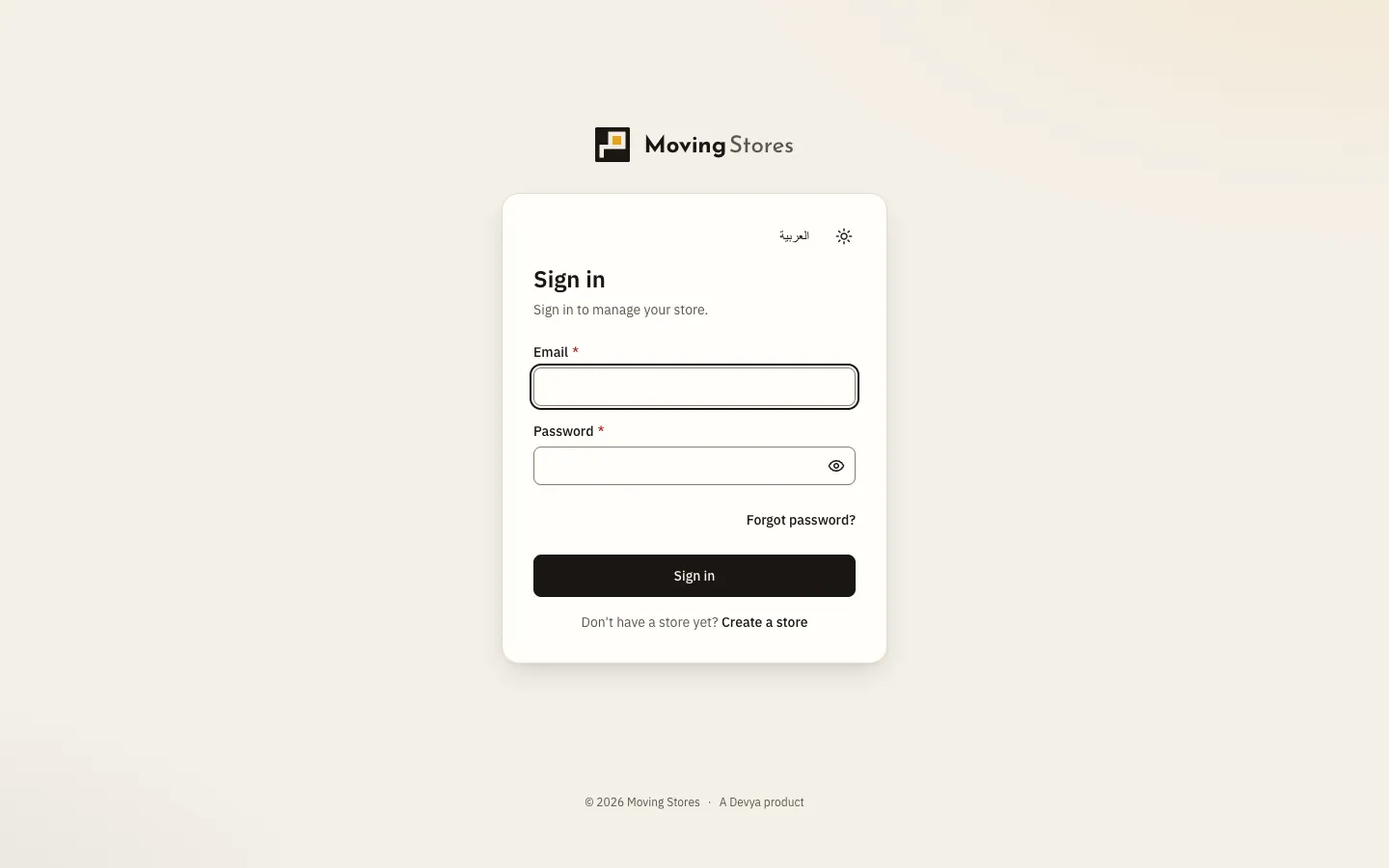
Fig. 1 —The Forgot password? link sits right below the fields. Step 2: Choose the store
If you belong to more than one store, Choose a store appears; pick the store you want to work on.
After 10 wrong attempts the account locks for 15 minutes, and a “Too many attempts” message shows the time left.
If you forget your password
Step 1: Ask for a reset link
On the sign-in page, click Forgot password?, type your email, then click Send reset link.
Step 2: Choose a new password
Open the link in the email within an hour, type a New password and Confirm new password, then click Change password.
Profile and preferences
- Profile: your First name, Last name and Mobile number in international format, then Save profile. Your email is read-only with its Verified or Not verified status, and changing it goes through support.
- Preferences: Language and Theme (System, Light or Dark). They are yours alone and don't change the store's settings.
- Your stores: every store you belong to, with Switch to move to it.
Security
In Security, change your password under Change password by typing your Current password and then the new one; changing it signs you out on your other devices. Under Signed-in devices you see each device's browser, system and last activity, and you can Sign out one device or Sign out all other devices.
Is there two-step verification?
There is no two-step verification today. Use a strong password, and check Signed-in devices from time to time.
How do I change my account's email?
It can't be changed from the dashboard; email changes go through support.
I sign in from Drinki POS. Why is there no password?
An account that signs in from Moving POS (shown in the dashboard as Drinki POS) has no password here.