MovingChecked against the product on
Get started with Moving POS
Moving POS accounts are created for you by the Moving team, who hand over your sign-in details; there is no self-signup. Learn its four apps and where each runs, how to sign in with email and password, and which languages it speaks.
On this page
Moving POS runs your restaurant from one account: the POS your team sells from, the back office where you manage the menu, branches and staff, the kitchen display, and the ordering site your customers order from. They all share the same data, so what you change in the back office reaches the POS and the ordering site.
How to get an account
There is no self-signup for Moving POS. The Moving team creates your account and loads it with your menu, branches and staff, then hands you an access sheet in Arabic listing your app addresses and one line per staff member with their email, password, role and branch.
Step 1: Contact us
Fill in the form on the contact page and press Send my details, or send them on WhatsApp.
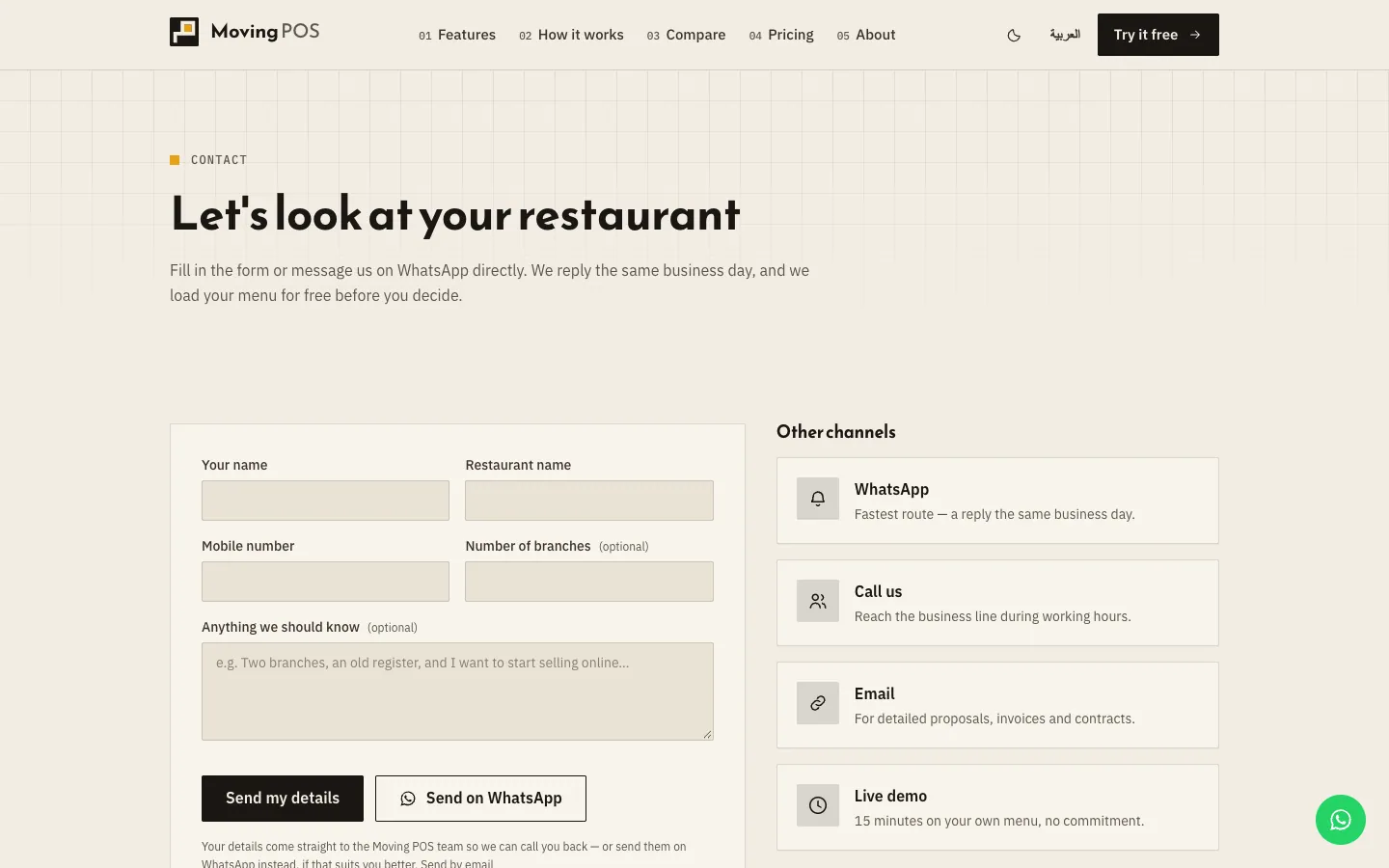
Fig. 1 —Give your number of branches so the team sets your account up to match. Step 2: Send your restaurant's details
Send your menu with its items, sizes and prices, your branches, and your staff with their roles. The team loads them into your account before handover.
Step 3: Receive the access sheet
It lists the address of each app and every staff member's sign-in details. Keep it somewhere safe.
Step 4: Change the provisional passwords
The passwords on the sheet are provisional. Sign in to the back office as an Admin and set a new password for each person under Staff, as in Add staff and set permissions.
The apps and where each runs
| App | Who uses it | Where it runs |
|---|---|---|
| The POS | Cashiers and branch managers | In a current browser on a tablet, computer or touchscreen, or in the POS app on iPad, iPhone or Android for silent printing. |
| The back office | Owners, admins and branch managers | In a browser on a computer or phone, and in the back-office app on iPhone. |
| The kitchen display | The kitchen team and baristas | Part of the POS: open it from the Kitchen tab on any screen in the kitchen. |
| Your ordering site | Your customers | In the customer's phone browser, with nothing to install, for pickup or delivery. |
Details in Choose devices and apps and Your ordering site.
Sign in
Step 1: Open the app's address
Use the address on your access sheet, or open the POS app on your device.
Step 2: Enter your details
Type your Email and Password, then press Sign in.
Step 3: Start from your screen
The back office opens on the Dashboard, or on Inventory for a warehouse keeper. The POS opens on the sale screen, or on the Floor if table service is switched on for your account, and on the kitchen display for a barista account.
- Cashiers and baristas cannot open the back office, and can open the POS only once a branch is set on their account.
- After 10 wrong attempts in a minute you see "Too many sign-in attempts. Wait a minute, then try again."
- There is no PIN sign-in and no "forgot password" link. An admin sets a new password under Staff.
Languages and currency
Every app works in Arabic and English, with a right-to-left layout in Arabic. The POS and the ordering site open in Arabic, and the back office opens in English the first time. Switch with the language button: on an English screen it reads العربية in the POS and عربي in the back office, and each device remembers your choice.
A few texts stay in English, such as the device settings sheet in the iPad and iPhone app and some error messages from the server. The currency is set by the Moving team when your account is created: Egyptian pounds (EGP), or Saudi riyals for Saudi accounts.
Is there a free trial I can sign up for myself?
There is no self-signup for Moving POS. Contact us from the contact page and we set the account up for you.
I forgot my password. What now?
Ask an admin at your restaurant to set a new password for you under Staff. There is no email reset.
Does the POS work without internet?
No. Every sale talks to the server, so if the connection drops, selling stops until it comes back. Details in When the internet drops.